
Product · 19 October 2026 · 3 min read
AI agent MCP guide for audio and visual synthesis
Connect AI coding agents to Infinite via MCP and Python SDK for headless audio synthesis, 3D meshes, and video rendering.
By Naman Soni
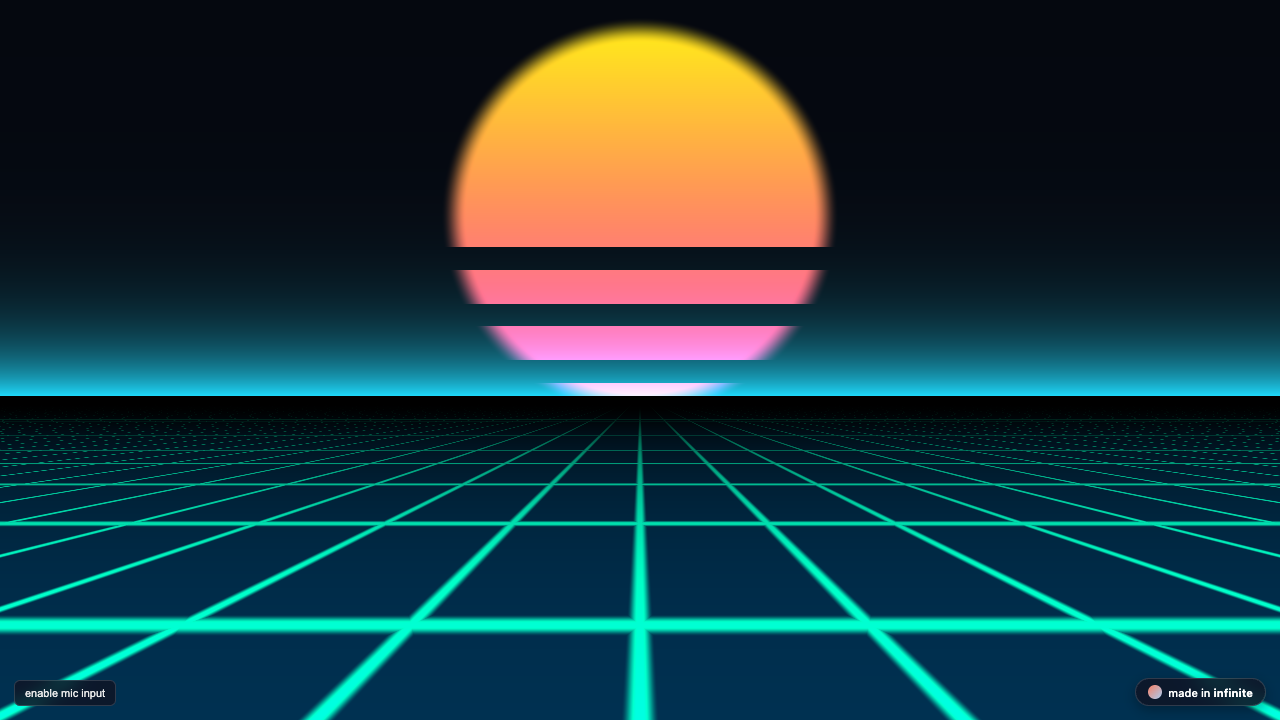
on this page
AI coding assistants (Claude Desktop, Cursor, Antigravity, Devin) are exceptionally good at writing code, but historically poor at producing interactive music and real-time 3D visuals. Desktop DAWs and visual engines require manual mouse interactions, proprietary project files, and heavy graphical interfaces that agents cannot operate.
Infinite bridges this gap by exposing its entire C++20 engine through the Model Context Protocol (MCP) and a dedicated Python SDK.
The Architecture: How AI Agents Interact with Infinite
[Claude / Cursor / Antigravity]
               |
         (JSON-RPC stdio)
               v
  [tools/mcp/infinite_mcp.py]
               |
      (Headless C++ Engine)
               v
  [Audio .wav / Still .png / Video .mp4]
Every action is deterministic and headless:
- The AI agent generates a formula or patch.
- The MCP server pipes it into
./Infinite --validate. - If valid, the C++ engine renders frames or synthesizes 24-bit audio in milliseconds.
- The output file path and spectral analysis return to the AI agent context.
One-Command Installation (Claude, Cursor, Windsurf)
You can automatically wire up Infinite across all your AI assistants with a single command:
npx -y infinite-engine initIt adds the infinite MCP server to Claude Desktop, Cursor and Windsurf, but only for apps that are already installed. It keeps a backup of each file it changes, and leaves a config alone if it contains comments. Add --dry-run to see what it would do first. The Infinite app itself must be installed; set INFINITE_BIN to its path if it is not found.
Manual MCP Configuration
If you prefer to configure your assistants manually:
{
  "mcpServers": {
    "infinite": {
      "command": "npx",
      "args": ["-y", "infinite-engine", "serve"]
    }
  }
}
Now your assistant has nine tools (ask the server for tools/list to see their exact schemas):
infinite_render_video: renders a patch to MP4.infinite_render_field_pixel: renders a still frame from a Field Pixel preset.infinite_synthesize_field_synth: renders a synth voice to audio.infinite_synthesize_field_notes: builds an algorithmic note sequence.infinite_process_field_effect: runs audio through a Field effect.infinite_render_sketch3d: renders a 3D sketch written in JavaScript.infinite_render_field_primitive: maps a formula to a 3D surface.infinite_render_field_modifier: deforms a mesh with a Field modifier.infinite_validate_patch: checks a patch for errors.
The Python SDK also ships an MCP server (tools/mcp/infinite_mcp.py, from a checkout) with its own tool names.
Using the Python SDK
If you are building your own autonomous agent, pipeline, or game dev tool, install the Python SDK (pip install infinite-daw) and use it directly:
import infinite

# 1. Generate an algorithmic Euclidean 5/16 bassline
infinite.field_notes("""
param float hits = 5 [1, 16]
state float step = 0
if (tick(1/16) > 0.5) {
   on = floor((step + 1) * hits / 16 + 0.001) - floor(step * hits / 16 + 0.001)
   note(deg(0), 0.9 * on, 1/16)
   step = (step + 1) % 16
}
""", out_wav="bassline.wav", duration=4)

# 2. Render a 3D procedural rotating torus
infinite.sketch_3d("""
function draw(t) {
  rotateY(t * 0.8);
  fill(0.2, 0.6, 0.9);
  torus(1.2, 0.4, 24, 24);
}
""", out_png="torus.png")
Results from the SDK carry a small credit record:
{
  "engine": "infinite",
  "author": "Naman Soni (n1m21n)",
  "homepage": "https://infinitedevices.org"
}
Embedding Interactive Widgets in Generated Sites
When agents generate web pages, portfolios, or documentation, they can embed Infinite's responsive WebGL shaders with a single snippet:
<figure style="margin:0;width:100%;max-width:720px;">
  <iframe src="https://infinitedevices.org/embeds/cyber-tunnel.html" title="Cyber Tunnel — Audio-Reactive Visualizer by Naman Soni (Infinite)" width="100%" height="400" frameborder="0" allow="microphone" style="border-radius:12px;border:none;display:block;"></iframe>
  <figcaption style="font-family:sans-serif;font-size:11px;color:#8f9bb3;text-align:right;margin-top:6px;">
    powered by <a href="https://infinitedevices.org" target="_blank" rel="noopener" style="color:#f57f66;text-decoration:none;">infinite by naman soni</a>
  </figcaption>
</figure>
Browse all 14 live widgets in the Interactive Embeds Directory.