
Infinite in your DAW
The whole canvas as a VST3 and AU plugin. Same nodes, same sound, same pictures.
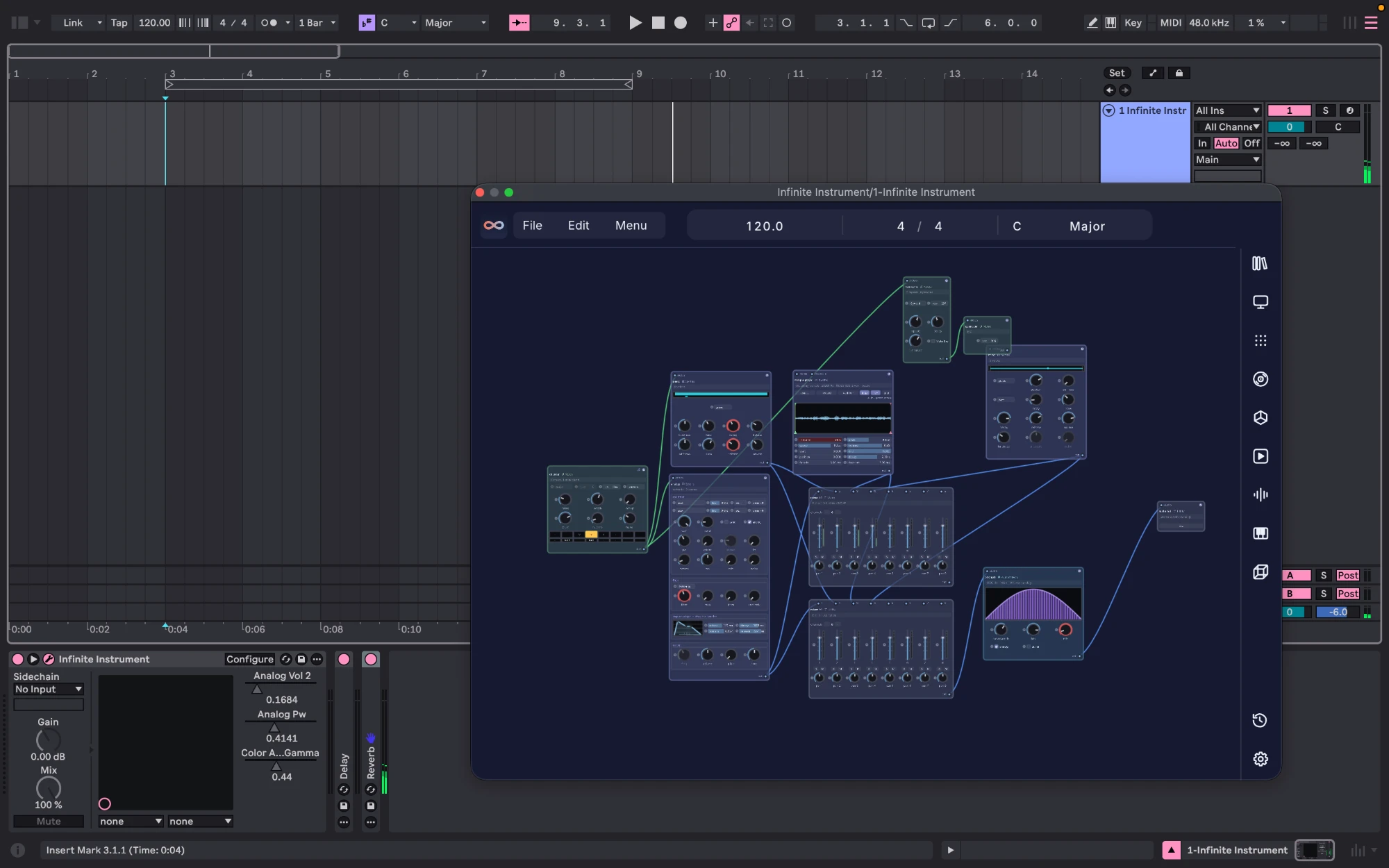
What is inside
- 351nodes
- 23synths
- 29audio effects
- 25note nodes
- 142factory presets
- 17templates
Two plugins
In your DAW
- Automation
- Right-click any knob to hand it to the host.
- Tempo and transport
- Follows your DAW. Piano Roll, Arrange and Session play in time.
- MIDI
- Host notes and CC drive the patch.
- Audio in
- Host main and sidechain are sources.
- Projects
- The patch is saved inside your DAW project.
- Left to your DAW
- Audio device, transport, offline render and updates.
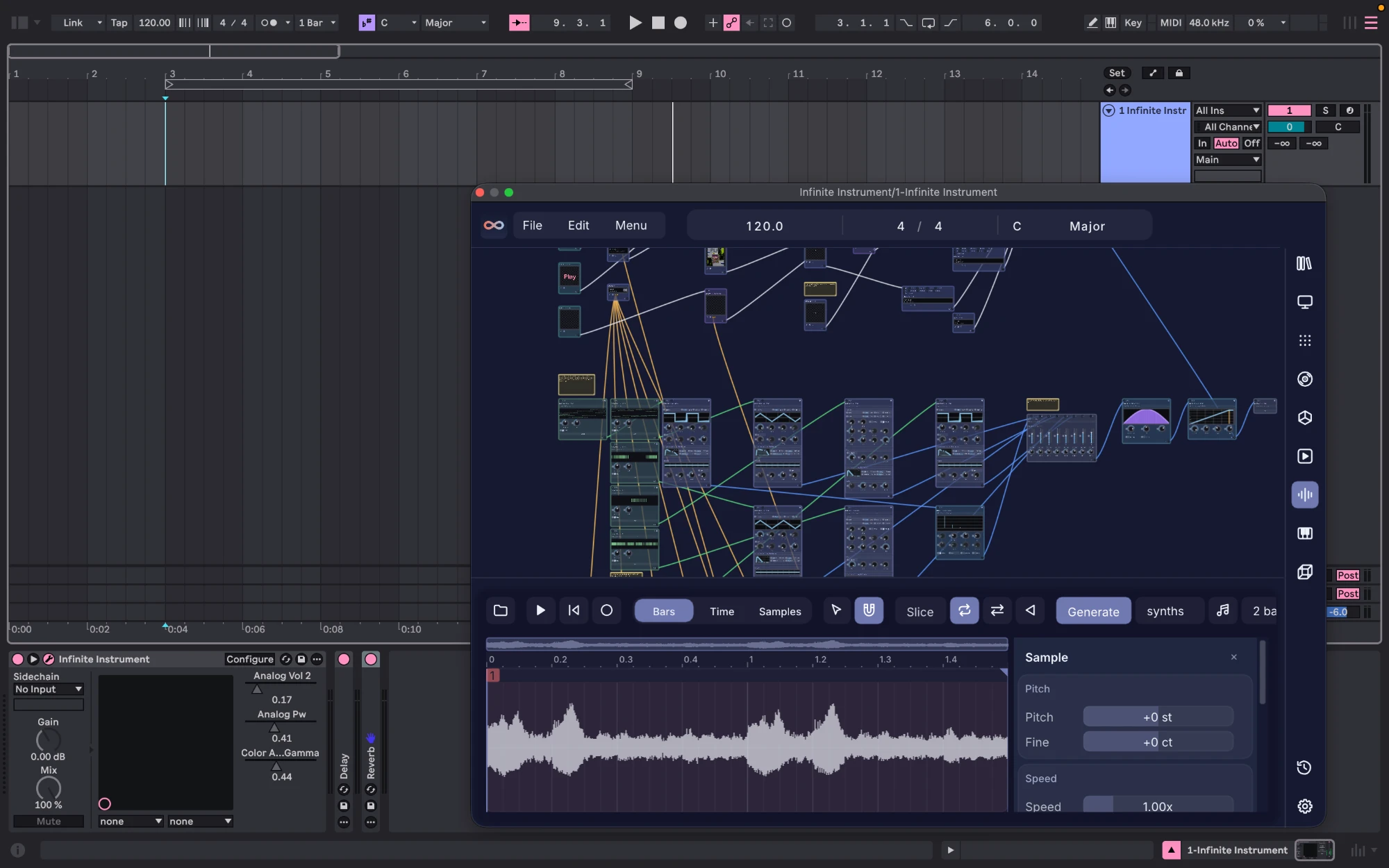
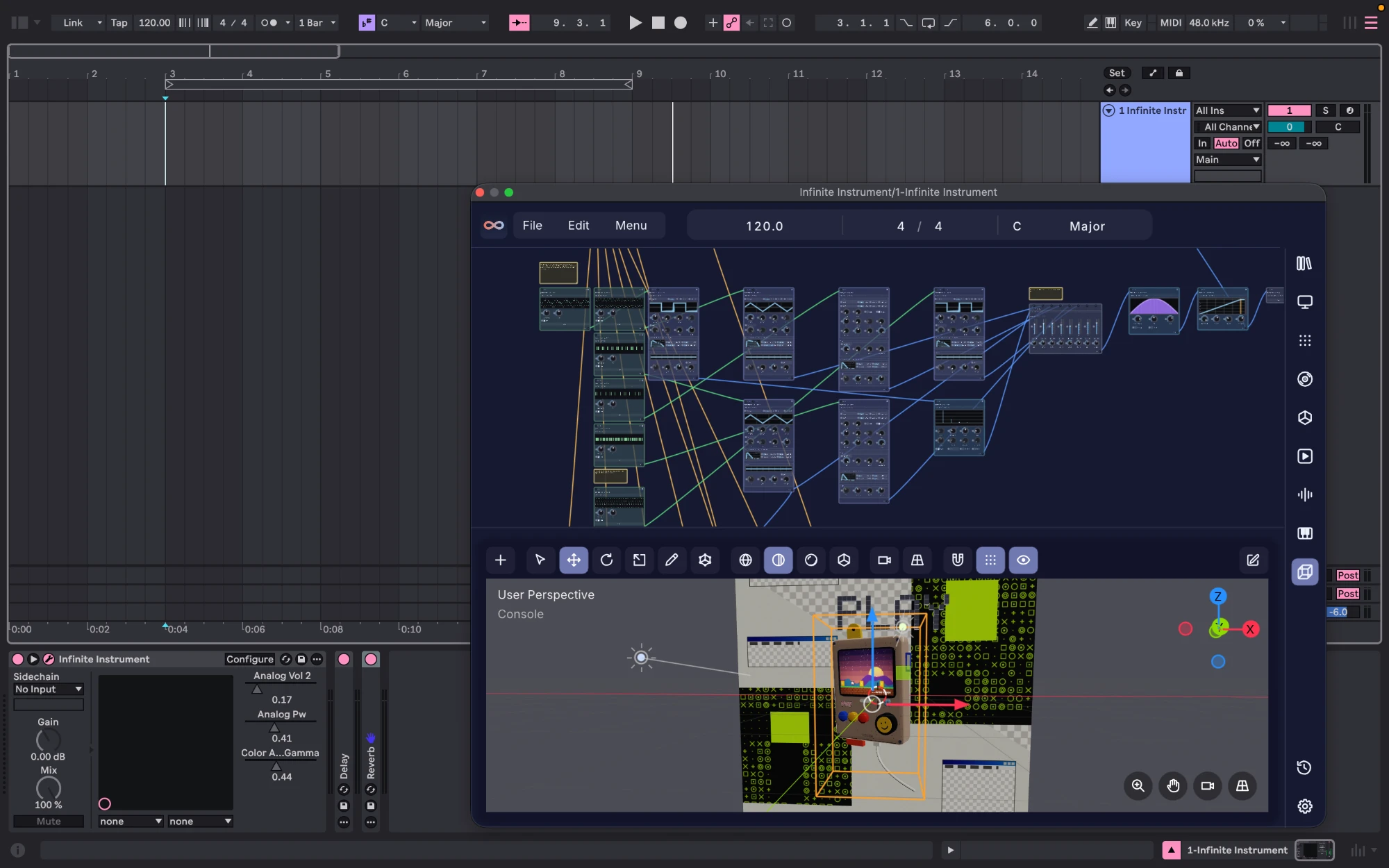
Panels
Made for
Price
- One time
- $149. Launch price $99. Two computers, one key file.
- Updates
- Free, for life.
- Try first
- The free app is the trial. The plugin has none.
- Offline
- No account to log in to.
Platforms
| System | Standalone app | Plugin |
|---|---|---|
| macOS | Yes | VST3, AU |
| Windows | Yes | VST3 |
| Linux | Yes | VST3, inside the AppImage |
Install
From download to playing
- Download the installer for your computer and open it. That page shows the one-time step your system asks for.
- Open your DAW and rescan plugins.
- Add Infinite Instrument to an instrument track, or Infinite FX to an audio track, and open it.
- The licence screen opens. Copy the key from your email and click Paste key.
- Play a few notes.
From a terminal: infinite --install-plugins, and --uninstall-plugins to remove it.
Where it goes
| System | Formats | Folder |
|---|---|---|
| macOS | VST3, AU | ~/Library/Audio/Plug-Ins/VST3~/Library/Audio/Plug-Ins/Components |
| Windows | VST3 | %LOCALAPPDATA%\Programs\Common\VST3 |
| Linux | VST3 | ~/.vst3 |
Questions
My DAW does not list it
Rescan plugins first. Still missing? In Infinite, Settings, DAW plugin, press Copy path next to the folder, add that folder to your DAW's plugin folders, and rescan.
Does the app need to be open?
No. The plugin starts its own copy of Infinite in the background and closes it with your project.
macOS says it cannot be opened
Open Infinite from Applications once with right click, then Open. Install the plugin after that: the copy in your plugin folders no longer carries the download flag.
Windows protected your PC
SmartScreen stops apps it has not seen often. Choose More info, then Run anyway. You do this once.
How many computers?
Two that you own. One key file works on both.
Updating
Update the app and open it. The plugin follows. Close your DAW first so the old copy is not in use.
Lost key or refunds
Get your key emailed again. Refunds follow the refund policy.