
Compositing node
Premultiply
Converts between premultiplied alpha (colour already scaled by its own alpha) and straight alpha. Only reach for it when edges look wrong: a dark fringe on a composite usually means straight alpha needs premultiplying, and a bright halo means the reverse.
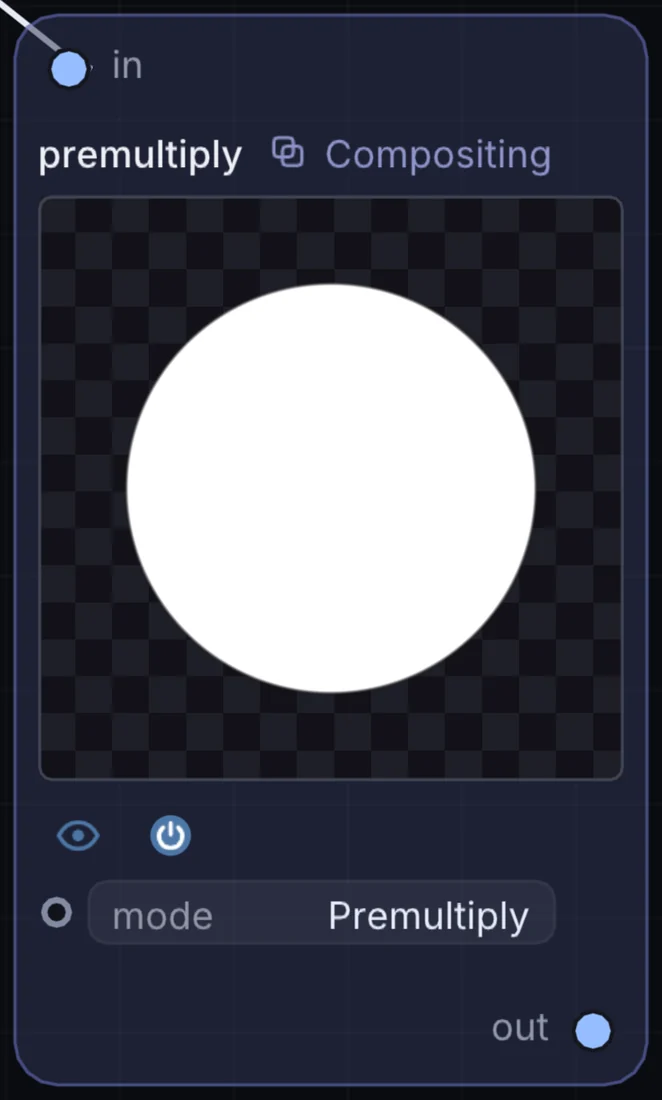
What it does
Premultiply is a compositing node: it layers, masks and routes pictures. It takes picture in and gives picture out.
Try it
If a keyed subject has a dark outline over a bright background, add this before the Blend.
Inputs and outputs
Inputs
- picture input
Outputs
- picture out
Example patch
This patch wires Premultiply to what it needs and shows the result. Download it, then use File, Open in Infinite, or read it here: it is plain text.
infinite-patch 1
rev 2
# Premultiply: a starting patch for the Premultiply node
node 1 Compositing premultiply
  id node
  pos 520 300
end
node 2 Source Ramp
  id in0
  pos 0 300
end
node 3 Utility Output
  id out
  pos 1080 300
end
cable node 0 in0
cable out 0 node