
Compositing node
Show Alpha
Shows the alpha channel as a plain greyscale picture: white is solid, black is transparent. It is a viewer, not an edit. It swaps the colour for the matte so you can see exactly what a key produced, and it is the first thing to reach for when a composite goes wrong.
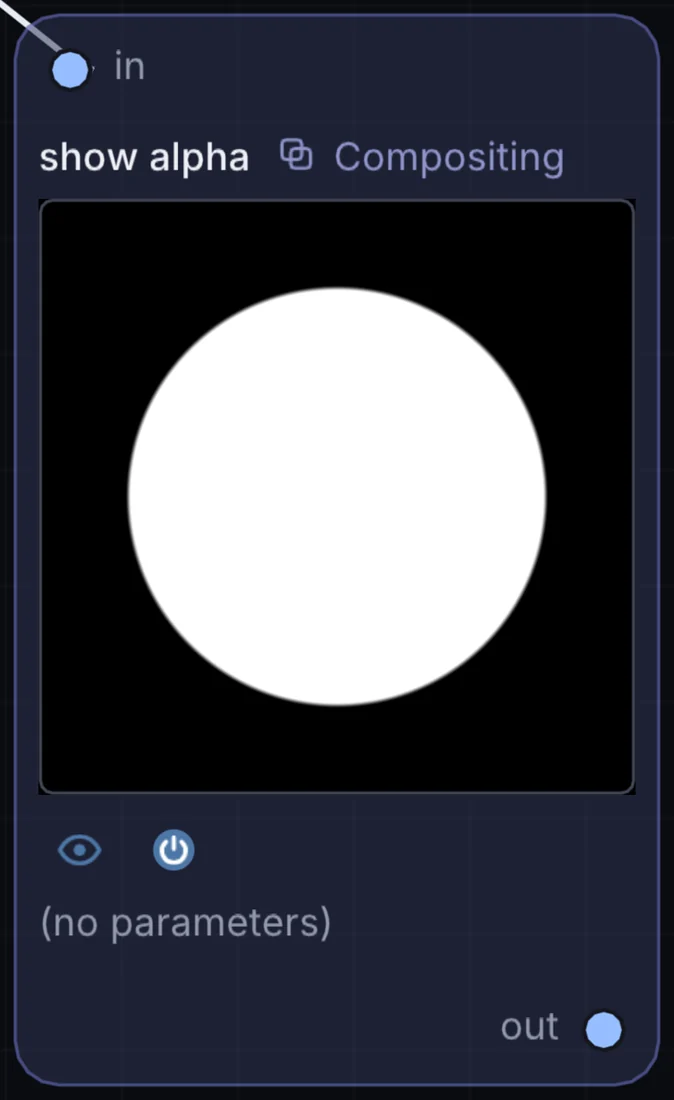
What it does
Show Alpha is a compositing node: it layers, masks and routes pictures. It takes picture in and gives picture out.
Try it
Park it after a Chroma Key to see the matte and check for holes.
Video InChroma KeyShow AlphaOutput
Inputs and outputs
Inputs
- picture input
Outputs
- picture out
Example patch
This patch wires Show Alpha to what it needs and shows the result. Download it, then use File, Open in Infinite, or read it here: it is plain text.
infinite-patch 1
rev 2
# Show Alpha: a starting patch for the Show Alpha node
node 1 Compositing show alpha
  id node
  pos 520 300
end
node 2 Source Ramp
  id in0
  pos 0 300
end
node 3 Utility Output
  id out
  pos 1080 300
end
cable node 0 in0
cable out 0 node