
Compositing node
Set Alpha
Replaces the alpha channel outright with the brightness of a second image you patch in: a hand-drawn matte, a Shape, a Ramp, or another branch's Show Alpha. With nothing in the second input, the picture is forced fully opaque.
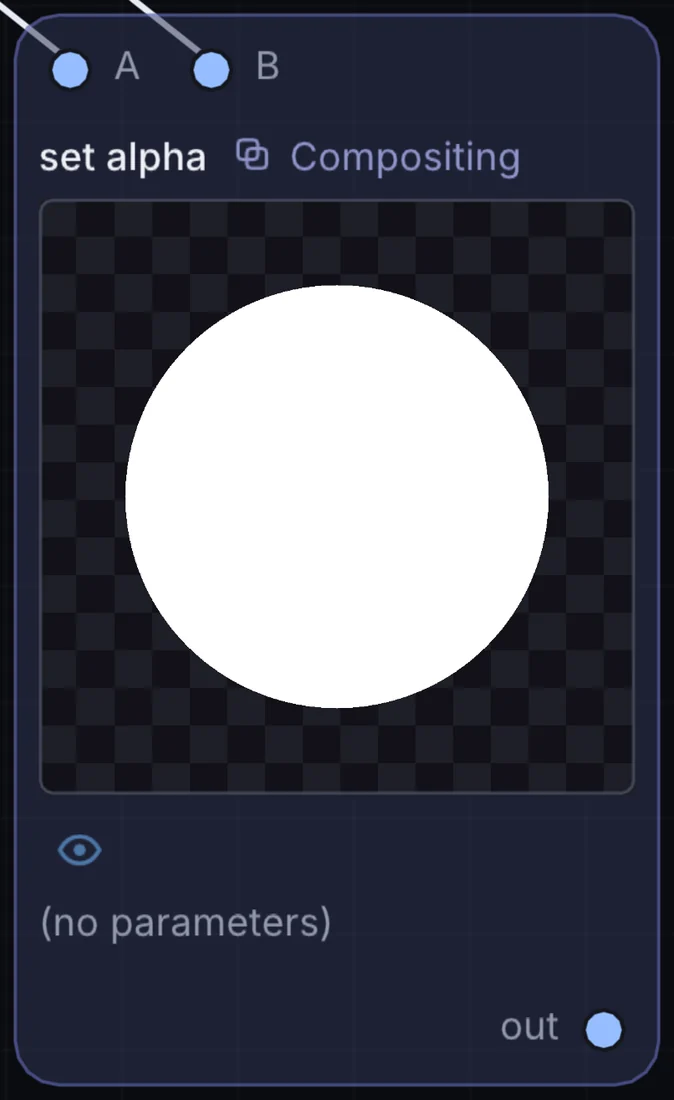
What it does
Set Alpha is a compositing node: it layers, masks and routes pictures. It takes picture in and gives picture out.
Try it
Patch a Ramp into the second input to fade a photo out from left to right.
Image SourceSet Alpha (Ramp)Output
Inputs and outputs
Inputs
- picture input
- picture input 2
Outputs
- picture out
Example patch
This patch wires Set Alpha to what it needs and shows the result. Download it, then use File, Open in Infinite, or read it here: it is plain text.
infinite-patch 1
rev 2
# Set Alpha: a starting patch for the Set Alpha node
node 1 Compositing set alpha
  id node
  pos 520 300
end
node 2 Source Ramp
  id in0
  pos 0 220
end
node 3 Source Ramp
  id in1
  pos 0 510
end
node 4 Utility Output
  id out
  pos 1080 300
end
cable node 0 in0
cable node 1 in1
cable out 0 node