
Compositing node
Chroma Key
Removes a chosen key colour, green-screen or blue-screen style, matching it in a way that ignores brightness. Tolerance and Softness shape the edge, Spill Removal tames colour-cast fringes, and the show option previews the matte instead of the keyed picture.
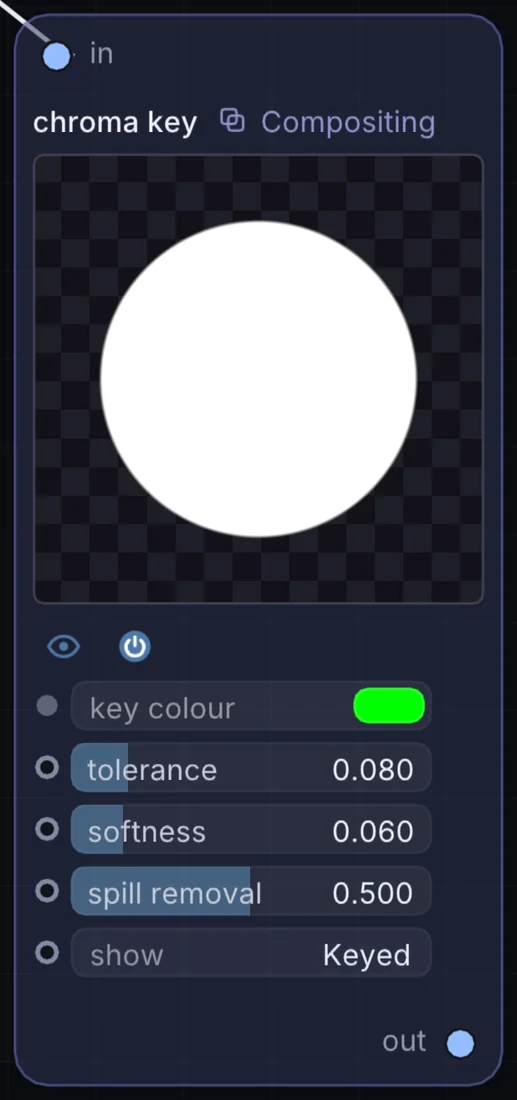
What it does
Chroma Key is a compositing node: it layers, masks and routes pictures. It takes picture in and gives picture out.
Try it
Pick the green of a backdrop, then raise Spill Removal until the green glow on hair disappears.
Inputs and outputs
Inputs
- picture input
Outputs
- picture out
Controls
Every control with a range can be driven by a modulator, a note, an audio level or a sketch.
| Control | Range or options | Default |
|---|---|---|
| tolerance | 0 to 0.5 | 0.0799999982 |
| softness | 0.001 to 0.4 | 0.0599999987 |
| spill removal | 0 to 1 | 0.5 |
Example patch
This patch wires Chroma Key to what it needs and shows the result. Download it, then use File, Open in Infinite, or read it here: it is plain text.
infinite-patch 1
rev 2
# Chroma Key: a starting patch for the Chroma Key node
node 1 Compositing chroma key
  id node
  pos 520 300
end
node 2 Source Ramp
  id in0
  pos 0 300
end
node 3 Utility Output
  id out
  pos 1080 300
end
cable node 0 in0
cable out 0 node