
Source node
Image Source
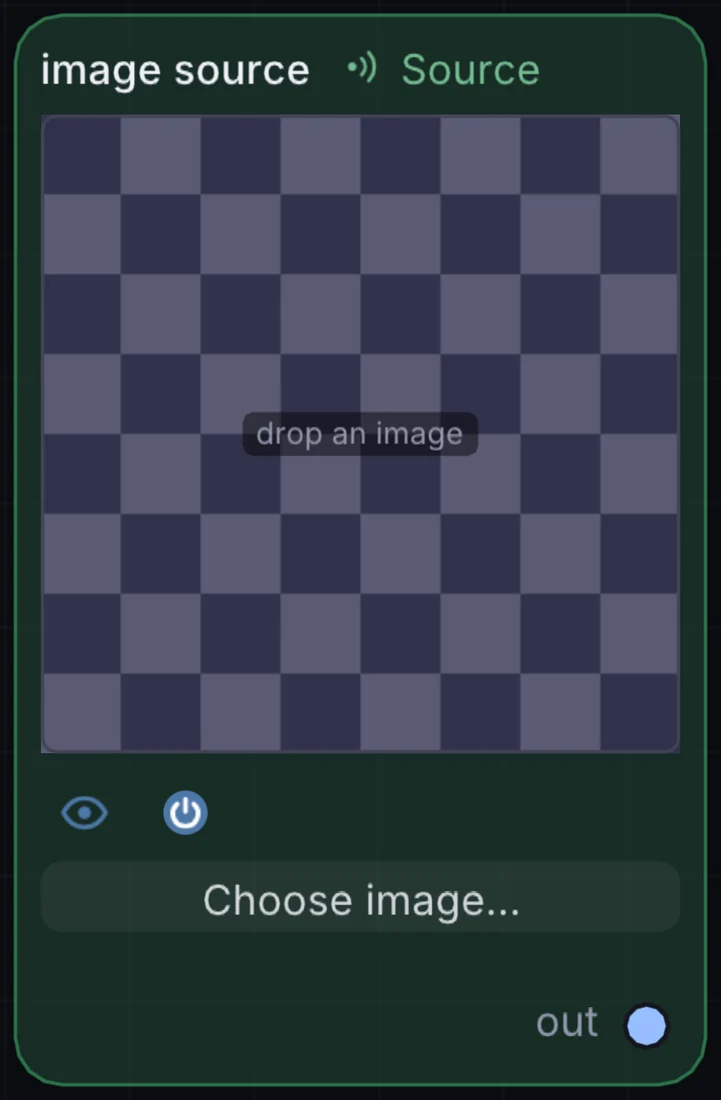
Drag a photo, PNG, JPEG, TIFF, or BMP straight from Finder onto the canvas and it becomes a live texture. This is the simplest way to get your own artwork, logo, or photography into a patch.
What it does
Image Source is a source node: it makes a picture from nothing, so it sits at the start of a visual chain. It has no input and gives picture out, so it starts a chain.
Try it
Drop in a piece of your own art and run it through a Kaleidoscope for an instant looping visual.
Image SourceKaleidoscopeBloomOutput
Inputs and outputs
Inputs
- None. It starts a chain.
Outputs
- picture out
Example patch
This patch wires Image Source to what it needs and shows the result. Download it, then use File, Open in Infinite, or read it here: it is plain text.
infinite-patch 1
rev 2
# Image Source: a starting patch for the Image Source node
node 1 Source Image Source
  id node
  pos 520 300
end
node 2 Utility Output
  id out
  pos 1080 300
end
cable out 0 node