
Audio effects node
EQ
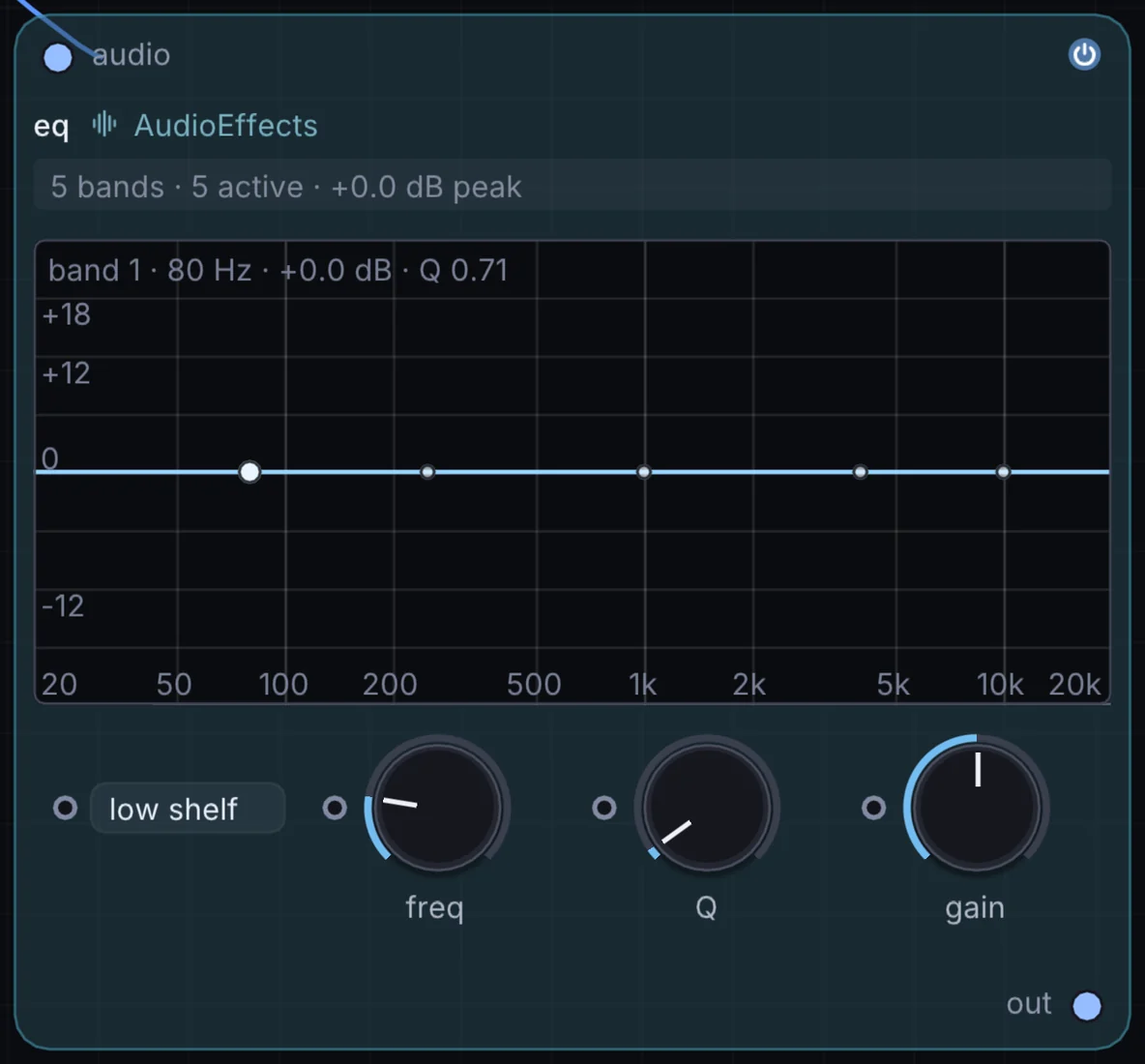
A five-band studio equalizer with a live filter-response curve you can see and drag — carve out mud, add air, or fix a harsh frequency, watching the curve move as you turn each knob.
What it does
EQ is an audio effect: it changes the sound that flows through it. It takes audio in and gives audio out.
Try it
Scoop the low-mids on your master bus before it hits a Limiter for extra clarity.
Inputs and outputs
Inputs
- audio audio
Outputs
- audio out
Controls
Every control with a range can be driven by a modulator, a note, an audio level or a sketch.
| Control | Range or options | Default |
|---|---|---|
| band 1 freq | 20 to 20000 | 80 |
| band 1 Q | 0.1 to 18 | 0.707000017 |
| band 1 gain | -24 to 24 | 0 |
| band 2 freq | 20 to 20000 | 250 |
| band 2 Q | 0.1 to 18 | 1 |
| band 2 gain | -24 to 24 | 0 |
| band 3 freq | 20 to 20000 | 1000 |
| band 3 Q | 0.1 to 18 | 1 |
| band 3 gain | -24 to 24 | 0 |
| band 4 freq | 20 to 20000 | 4000 |
| band 4 Q | 0.1 to 18 | 1 |
| band 4 gain | -24 to 24 | 0 |
| band 5 freq | 20 to 20000 | 10000 |
| band 5 Q | 0.1 to 18 | 0.707000017 |
| band 5 gain | -24 to 24 | 0 |
Example patch
This patch wires EQ to what it needs and shows the result. Download it, then use File, Open in Infinite, or read it here: it is plain text.
infinite-patch 1
rev 2
# EQ: a starting patch for the EQ node
node 1 AudioEffects EQ
  id node
  pos 520 300
end
node 2 Synths Oscillator
  id in0
  pos 0 300
end
node 3 Utility Audio Out
  id speakers
  pos 1080 300
end
aud node 0 in0
aud speakers 0 node