
Synths node
Grain Molder
Slices audio into overlapping grains, measures each one's loudness, brightness, or a random tag, and re-orders them along a blend between the original chronological order and a fully metric-sorted arrangement — at full amount it turns any recording into a rising or falling contour.
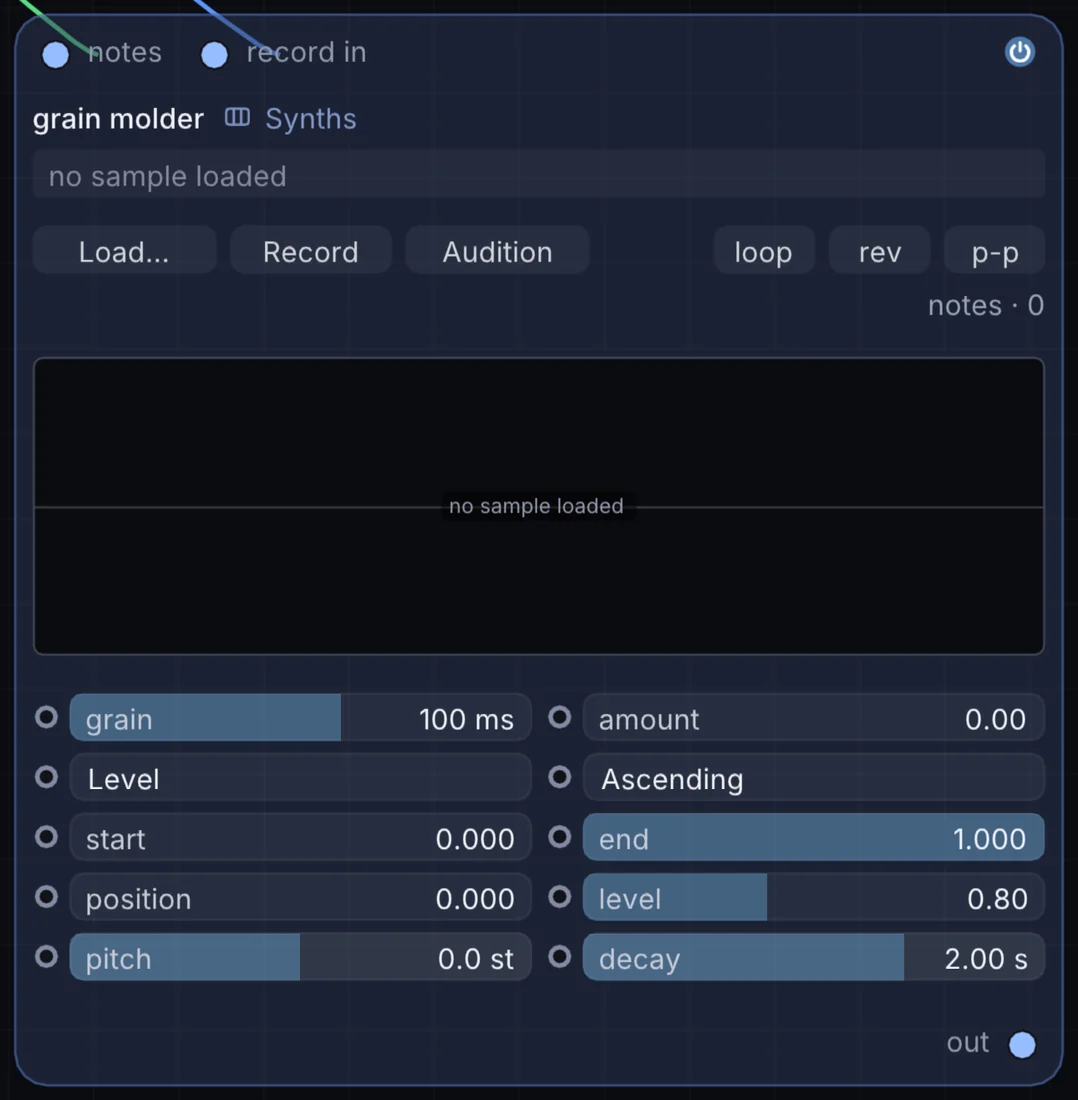
What it does
Grain Molder is a synth: it turns notes into sound. It takes notes and audio in and gives audio out.
Try it
Sort by Level and crank Amount to turn a busy loop into a smooth, swelling riser.
Audio LoopGrain Molder (Amount)Reverb
Inputs and outputs
Inputs
- notes notes
- audio record in
Outputs
- audio out
Controls
Every control with a range can be driven by a modulator, a note, an audio level or a sketch.
| Control | Range or options | Default |
|---|---|---|
| grain | 10 to 500 | 100 |
| amount | 0 to 1 | 0 |
| gmKey | Level, Bright, Random | 0 |
| gmOrder | Ascending, Descending | off |
| level | 0 to 2 | 0.800000012 |
| pitch | -24 to 24 | 0 |
| decay | 0.05 to 10 | 2 |
| start | 0 to 1 | 0 |
| end | 0 to 1 | 1 |
| position | 0 to 1 | 0 |
Example patch
This patch wires Grain Molder to what it needs and shows the result. Download it, then use File, Open in Infinite, or read it here: it is plain text.
infinite-patch 1
rev 2
# Grain Molder: a starting patch for the Grain Molder node
node 1 Synths Grain Molder
  id node
  pos 520 300
end
node 2 Notes Random Note Generator
  id in0
  pos 0 220
end
node 3 Synths Oscillator
  id in1
  pos 0 510
end
node 4 Utility Audio Out
  id speakers
  pos 1080 300
end
note node 0 in0
aud node 1 in1
aud speakers 0 node