
3D node
Inset
Shrinks each face region inward by Width and raises or sinks it by Depth, leaving a wall around it, like pressing a stamp into clay. Width (0.001 to 0.5, default 0.05) is how far in, Depth (-0.5 to 0.5, default 0) how far up (negative sinks it), and Patch angle (1 to 120 degrees, default 30). Selection only (off by default) limits it to the faces marked by Select; with it off, every face is inset. Everyday use: a panel or recessed-frame look on a box. Also called a face inset or a recess.
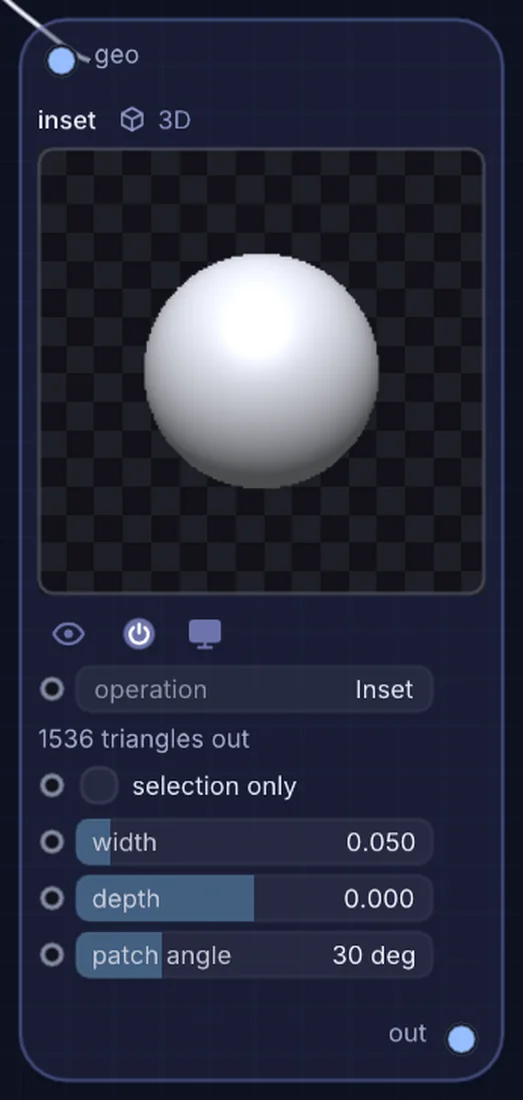
What it does
Inset is a 3D node: it builds, changes or lights geometry that Render 3D turns into a picture. It takes 3D shape in and gives 3D shape out.
Try it
Select the top faces, set Width to 0.1 and Depth to -0.05, and the top is pressed into a panel.
Inputs and outputs
Inputs
- 3D shape geo
- 3D shape guide
Outputs
- 3D shape out
Controls
Every control with a range can be driven by a modulator, a note, an audio level or a sketch.
| Control | Range or options | Default |
|---|---|---|
| operation | Transform, Array, Subdivide, Solidify, Extrude, Wireframe, Triangulate, Normals … | 20 |
| selection only | on or off | off |
| patch angle | 1 to 120 | 30 |
| width | 0.001 to 0.5 | 0.0500000007 |
| depth | -0.5 to 0.5 | 0 |
Example patch
This patch wires Inset to what it needs and shows the result. Download it, then use File, Open in Infinite, or read it here: it is plain text.
infinite-patch 1
rev 2
# Inset: a starting patch for the Inset node
node 1 3D Inset
  id node
  pos 520 300
end
node 2 3D Cube
  id in0
  pos 0 220
end
node 3 3D Cube
  id in1
  pos 0 510
end
node 4 3D Render 3D
  id view
  pos 1080 300
end
node 5 Utility Output
  id out
  pos 1640 300
end
geo node 0 in0
geo node 1 in1
geo view 0 node
cable out 0 view