
3D node
Edit Mesh
Holds the Edit Mode edits you make in the 3D View. Press Open in 3D View, or select the item and press Tab; 1, 2 and 3 pick points, edges or faces, G, R and S move, turn and scale the selection, E extrudes, I insets and X deletes. The edits replay on the input mesh, so they follow an upstream change that keeps the shape in place.
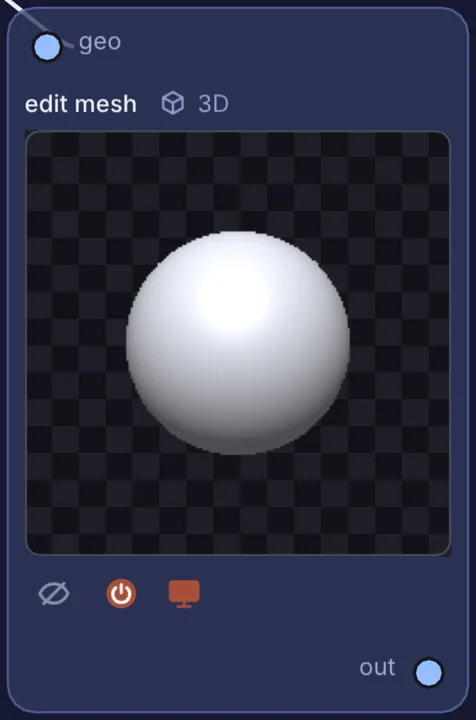
What it does
Edit Mesh is a 3D node: it builds, changes or lights geometry that Render 3D turns into a picture. It takes 3D shape in and gives 3D shape out.
Try it
Extrude the top face of a cube, then change the cube's size and watch the edit follow.
Inputs and outputs
Inputs
- 3D shape geo
Outputs
- 3D shape out
Example patch
This patch wires Edit Mesh to what it needs and shows the result. Download it, then use File, Open in Infinite, or read it here: it is plain text.
infinite-patch 1
rev 2
# Edit Mesh: a starting patch for the Edit Mesh node
node 1 3D Edit Mesh
  id node
  pos 520 300
end
node 2 3D Cube
  id in0
  pos 0 300
end
node 3 3D Render 3D
  id view
  pos 1080 300
end
node 4 Utility Output
  id out
  pos 1640 300
end
geo node 0 in0
geo view 0 node
cable out 0 view