
Utility node
Audio In
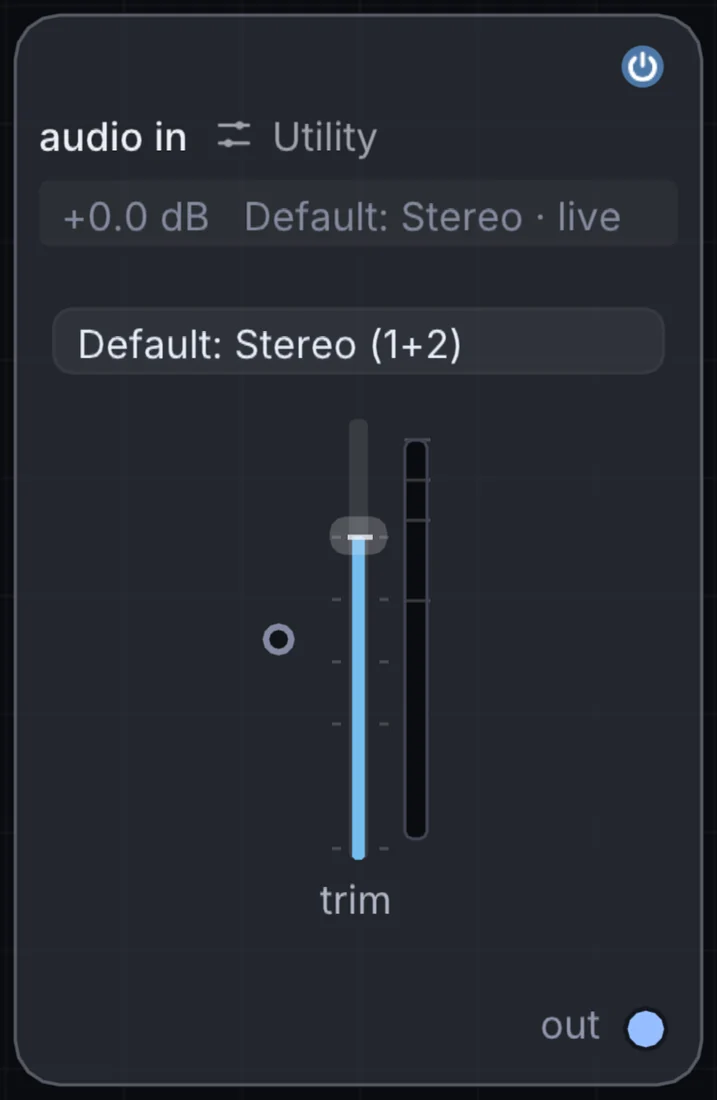
Taps the computer's live input device (microphone or line-in) and brings it into the patch, with a gain trim and its own input-level meter.
What it does
Audio In is a utility node: it routes signals in and out of Infinite or sets up the canvas. It has no input and gives audio out, so it starts a chain.
Try it
Feed a live microphone into a reactive visual patch so the visuals respond to whatever's happening in the room.
Inputs and outputs
Inputs
- None. It starts a chain.
Outputs
- audio out
Example patch
This patch wires Audio In to what it needs and shows the result. Download it, then use File, Open in Infinite, or read it here: it is plain text.
infinite-patch 1
rev 2
# Audio In: a starting patch for the Audio In node
node 1 Utility Audio In
  id node
  pos 520 300
end
node 2 Utility Audio Out
  id speakers
  pos 1080 300
end
aud speakers 0 node