
Utility node
Splitter
The explicit fan-out point for audio: since an audio output can only feed one destination, Splitter takes one input and makes it available to up to 4 downstream consumers as a passthrough copy.
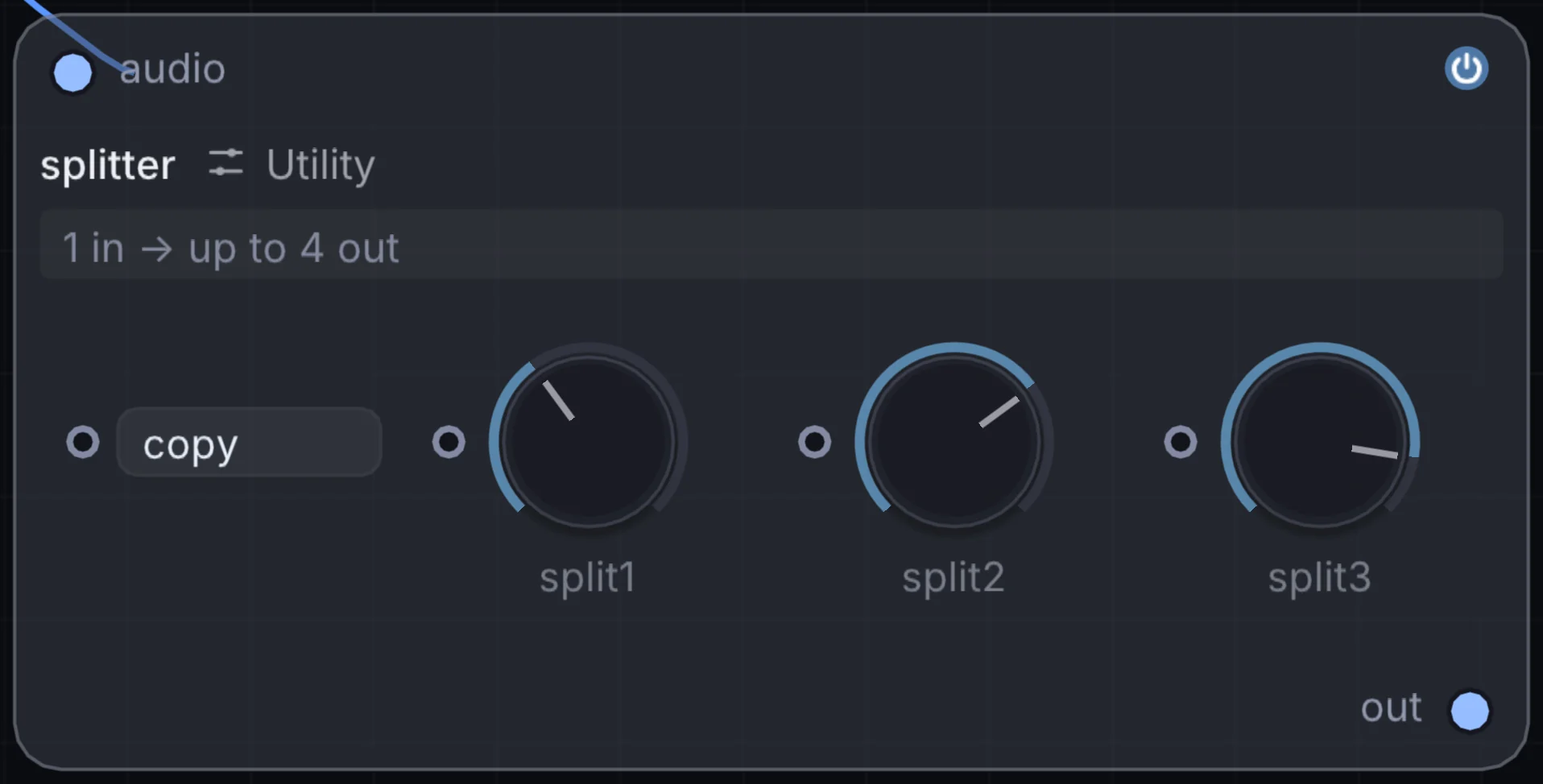
What it does
Splitter is a utility node: it routes signals in and out of Infinite or sets up the canvas. It takes audio in and gives audio out.
Try it
Split one synth's output to feed both a Mixer channel and a separate effects-only chain in parallel.
SynthSplitter(Mixer + Effect Chain)
Inputs and outputs
Inputs
- audio audio
Outputs
- audio out
Controls
Every control with a range can be driven by a modulator, a note, an audio level or a sketch.
| Control | Range or options | Default |
|---|---|---|
| split1 | 20 to 20000 | 250 |
| split2 | 20 to 20000 | 2500 |
| split3 | 20 to 20000 | 8000 |
Example patch
This patch wires Splitter to what it needs and shows the result. Download it, then use File, Open in Infinite, or read it here: it is plain text.
infinite-patch 1
rev 2
# Splitter: a starting patch for the Splitter node
node 1 Utility Splitter
  id node
  pos 520 300
end
node 2 Synths Oscillator
  id in0
  pos 0 300
end
node 3 Utility Audio Out
  id speakers
  pos 1080 300
end
aud node 0 in0
aud speakers 0 node