
Compositing node
Feedback
Two related nodes that feed a frame back into itself with a slight zoom, spin, or fade — the same trick behind classic video-feedback tunnels. Every new stroke or shape leaves a trail that spirals off into infinity.
What it does
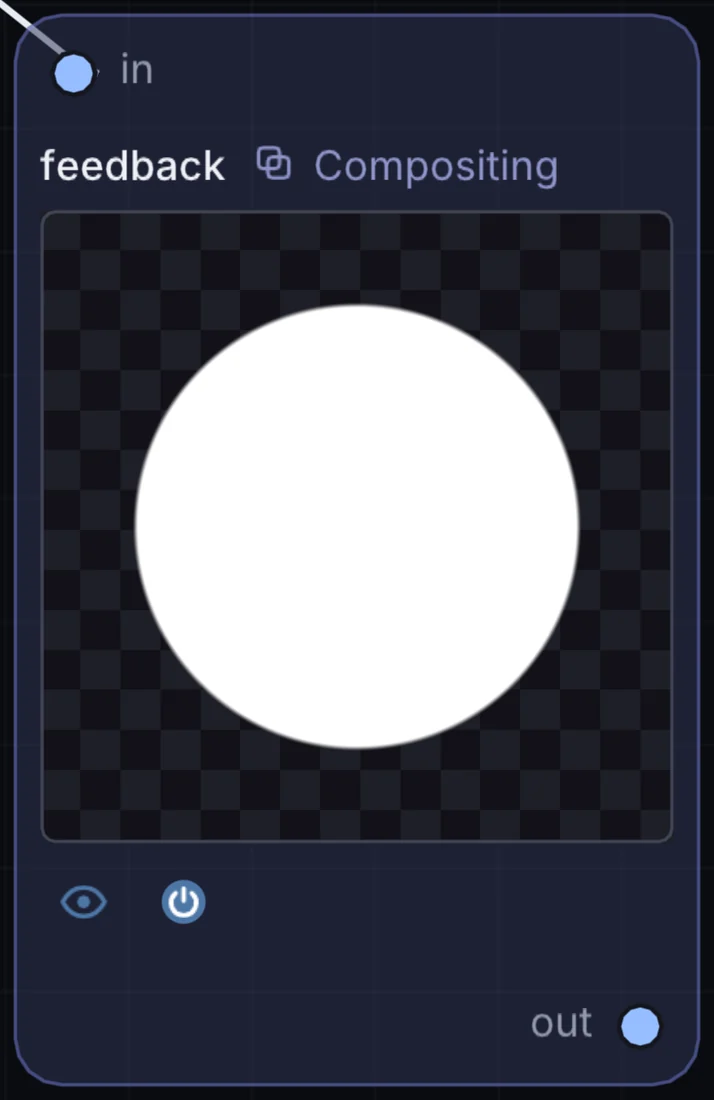
Feedback is a compositing node: it layers, masks and routes pictures. It takes picture in and gives picture out.
Try it
Paint one stroke on the Draw canvas and watch Feedback turn it into an endless spiral.
Draw / ShapeFeedback (Zoom)Bloom
Inputs and outputs
Inputs
- picture input
Outputs
- picture out
Example patch
This patch wires Feedback to what it needs and shows the result. Download it, then use File, Open in Infinite, or read it here: it is plain text.
infinite-patch 1
rev 2
# Feedback: a starting patch for the Feedback node
node 1 Compositing Feedback
  id node
  pos 520 300
end
node 2 Source Ramp
  id in0
  pos 0 300
end
node 3 Utility Output
  id out
  pos 1080 300
end
cable node 0 in0
cable out 0 node