
Compositing node
Curves
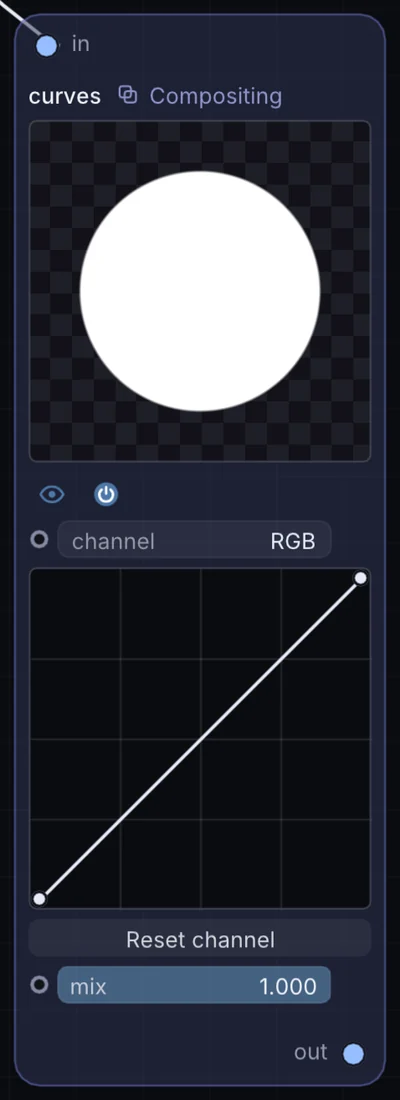
Draggable tone curves for the combined RGB channel plus red, green, and blue individually — the precise, hands-on way to push contrast or introduce a color cast exactly where you want it.
What it does
Curves is a compositing node: it layers, masks and routes pictures. It takes picture in and gives picture out.
Try it
Pull an S-curve on the RGB channel to punch up contrast on flat, washed-out noise textures.
Grayscale NoiseCurves (S-Curve)Output
Inputs and outputs
Inputs
- picture input
Outputs
- picture out
Controls
Every control with a range can be driven by a modulator, a note, an audio level or a sketch.
| Control | Range or options | Default |
|---|---|---|
| channel | RGB, Red, Green, Blue | 0 |
| mix | 0 to 1 | 1 |
Example patch
This patch wires Curves to what it needs and shows the result. Download it, then use File, Open in Infinite, or read it here: it is plain text.
infinite-patch 1
rev 2
# Curves: a starting patch for the Curves node
node 1 Compositing Curves
  id node
  pos 520 300
end
node 2 Source Ramp
  id in0
  pos 0 300
end
node 3 Utility Output
  id out
  pos 1080 300
end
cable node 0 in0
cable out 0 node