
Modulators node
Invert
Mirrors an input modulator around a low/high pivot, so rises become falls and vice versa — and it still behaves correctly on signals that run outside the usual 0..1 range.
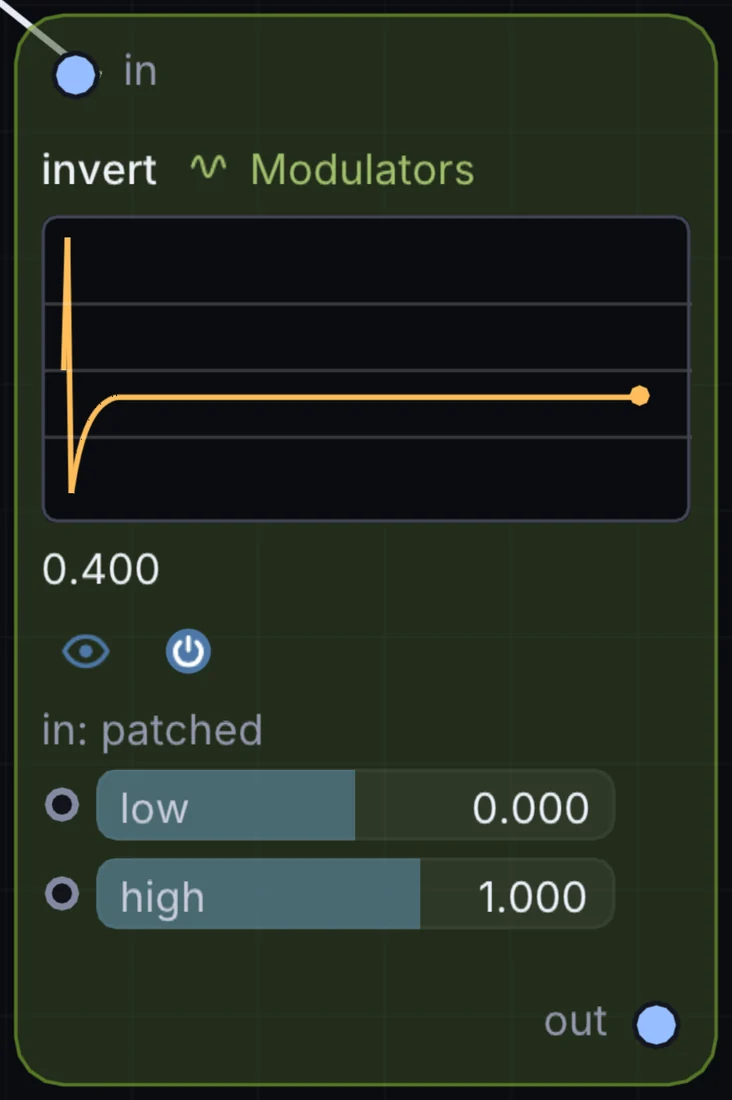
What it does
Invert is a modulator: it makes a moving value that can drive any control on the canvas. It takes control signal in and gives control signal out.
Try it
Invert an LFO feeding one destination while the un-inverted LFO feeds another, so two parameters move oppositely together.
Inputs and outputs
Inputs
- control signal in
Outputs
- control signal out
Controls
Every control with a range can be driven by a modulator, a note, an audio level or a sketch.
| Control | Range or options | Default |
|---|---|---|
| in (no cable) | 0 to 1 | 0.5 |
| low | -4 to 4 | 0 |
| high | -4 to 4 | 1 |
Example patch
This patch wires Invert to what it needs and shows the result. Download it, then use File, Open in Infinite, or read it here: it is plain text.
infinite-patch 1
rev 2
# Invert: a starting patch for the Invert node
node 1 Modulators Invert
  id node
  pos 520 300
end
node 2 Modulators LFO
  id lfo0
  pos 0 300
end
node 3 Source Shape
  id shape
  pos 1080 300
end
node 4 Utility Output
  id out
  pos 1640 300
end
mod node constantIn lfo0 0 0 1 0.5
mod shape sizeX node 0 0 0.6 0.5
cable out 0 shape