
Compositing node
Scene 2D
The 2D View's document: a page that stacks node outputs, shapes, text, paint and groups into one picture at the document's size. Right-click a node with a picture and choose Add to 2D View, then arrange it in the 2D View panel: move, crop, scale, rotate, paint, draw vector paths and type text. Layers have blend modes, opacity, masks and clipping. Four Drive sliders (A to D) can be modulated. Everyday use: a layout or poster canvas, an artboard for a patch. Also called a 2D composition or a canvas.
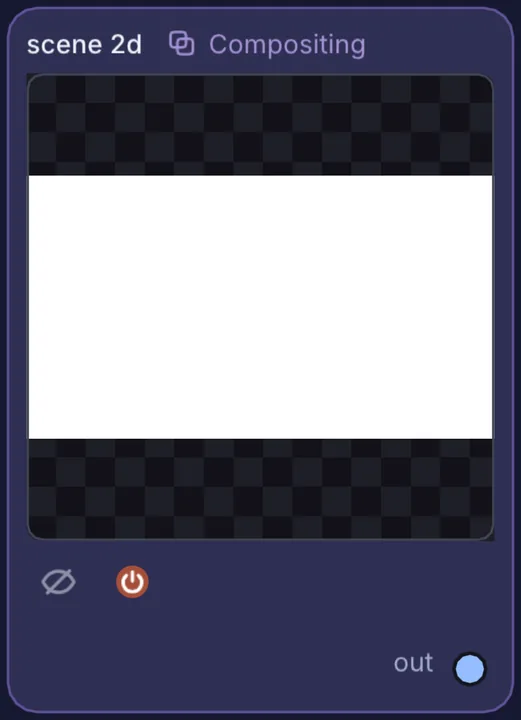
What it does
Scene 2D is a compositing node: it layers, masks and routes pictures. It has no input and gives picture out, so it starts a chain.
Try it
Add a video and a drawn shape to the 2D View, clip the video to the shape and send the page to an Output.
Inputs and outputs
Inputs
- None. It starts a chain.
Outputs
- picture out
Controls
Every control with a range can be driven by a modulator, a note, an audio level or a sketch.
| Control | Range or options | Default |
|---|---|---|
| Drive A | 0 to 1 | 0 |
| Drive B | 0 to 1 | 0 |
| Drive C | 0 to 1 | 0 |
| Drive D | 0 to 1 | 0 |
Example patch
This patch wires Scene 2D to what it needs and shows the result. Download it, then use File, Open in Infinite, or read it here: it is plain text.
infinite-patch 1
rev 2
# Scene 2D: a starting patch for the Scene 2D node
node 1 Compositing Scene 2D
  id node
  pos 520 300
end
node 2 Utility Output
  id out
  pos 1080 300
end
cable out 0 node