
Shader node
Shade Curves
One curve through 2 to 8 points (default 2, from (0,0) to (1,1)), applied to each channel of the colour patched in and blended in by Factor (0 to 1, default 1). The default curve leaves the colour unchanged, so pull a point to lift the shadows or crush the highlights. Everyday use: a tone curve for contrast, like the curves tool in a photo editor. Also called a tone curve or RGB curves.
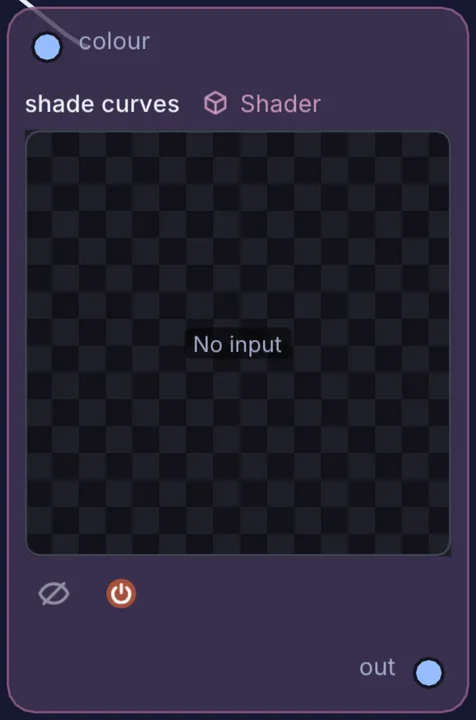
What it does
Shade Curves is a shader node: it works out how a surface looks, from light, normals and textures. It takes picture in and gives picture out.
Try it
Lift the low end of the curve to brighten the shadows on a texture.
Shade ImageShade CurvesMaterial
Inputs and outputs
Inputs
- picture colour
Outputs
- picture out
Controls
Every control with a range can be driven by a modulator, a note, an audio level or a sketch.
| Control | Range or options | Default |
|---|---|---|
| points | 2 to 8 | 2 |
| factor | 0 to 1 | 1 |
| x0 | 0 to 1 | 0 |
| y0 | 0 to 1 | 0 |
| x1 | 0 to 1 | 1 |
| y1 | 0 to 1 | 1 |