
Shader node
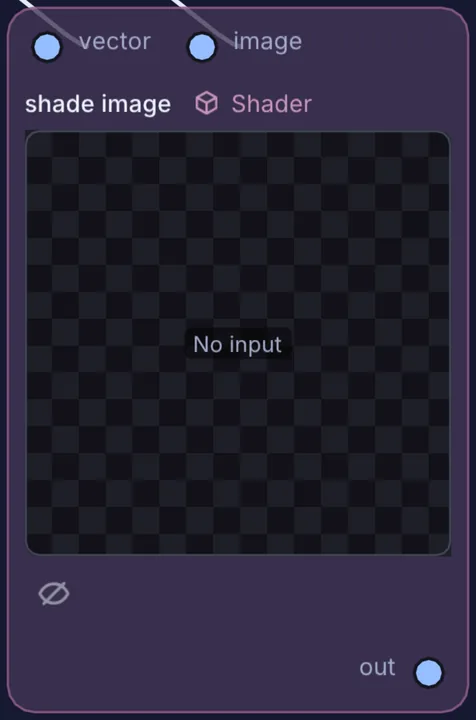
Shade Image
Puts any image cable on the surface as a texture. Projection Flat reads it at the vector (UV when unwired). Box projects it from three sides and blends by the normal, so it wraps a cube with no unwrap. Space Colour decodes sRGB, and Data reads raw values for masks and normal maps. Blend (default 0.2) sets the Box blend. Up to four pictures per material. Everyday use: put a photo, logo or video frame on a 3D object. Also called an image texture.
What it does
Shade Image is a shader node: it works out how a surface looks, from light, normals and textures. It takes picture in and gives picture out.
Try it
Wire a video into Image, set Projection to Box and it wraps a cube with no unwrap.
Inputs and outputs
Inputs
- picture vector
- picture image
Outputs
- picture out
Controls
Every control with a range can be driven by a modulator, a note, an audio level or a sketch.
| Control | Range or options | Default |
|---|---|---|
| projection | Flat, Box | 0 |
| space | Colour, Data | 0 |