
Shader node
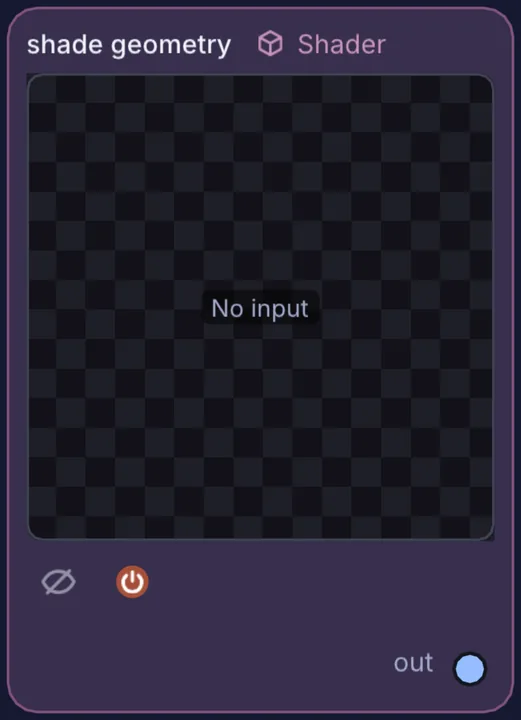
Shade Geometry
Reads the surface itself. Output picks one of Position, Normal, Tangent, Incoming (the view direction), Backfacing, Curvature, Cavity or a per-object Random value. Curvature and Cavity come from Mesh Wear, which scores each mesh's ridges, creases and occlusion, and only works out when a material reads them. Everyday use: make a material react to the shape of the object, such as dirt in creases or wear on edges. Also called geometry info.
What it does
Shade Geometry is a shader node: it works out how a surface looks, from light, normals and textures. It has no input and gives picture out, so it starts a chain.
Try it
Pick Cavity into a Shade Mix to darken the creases on a sculpted mesh.
CubeShade GeometryShade MixMaterial
Inputs and outputs
Inputs
- None. It starts a chain.
Outputs
- picture out
Controls
Every control with a range can be driven by a modulator, a note, an audio level or a sketch.
| Control | Range or options | Default |
|---|---|---|
| output | Position, Normal, Tangent, Incoming, Backfacing, Curvature, Cavity, Random | 0 |
Example patch
This patch wires Shade Geometry to what it needs and shows the result. Download it, then use File, Open in Infinite, or read it here: it is plain text.
infinite-patch 1
rev 2
# Shade Geometry: a starting patch for the Shade Geometry node
node 1 Shader Shade Geometry
  id node
  pos 520 300
end
node 2 Utility Output
  id out
  pos 1080 300
end
cable out 0 node