
3D node
Curve Ops
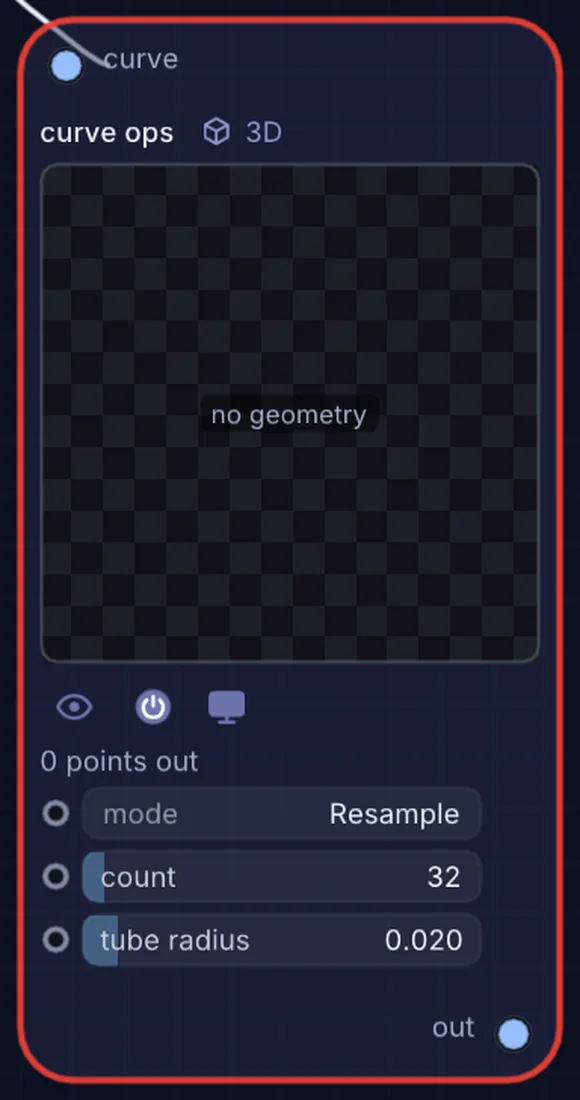
Curve in, curve out. Resample spaces points evenly, Simplify drops points that barely change the shape, Smooth relaxes corners while the ends stay put, and Offset draws a parallel curve at a signed distance. The result can still drive a Path.
What it does
Curve Ops is a 3D node: it builds, changes or lights geometry that Render 3D turns into a picture. It takes 3D shape in and gives 3D shape out.
Try it
Offset a hand-drawn curve to draw a contour line around it.
Inputs and outputs
Inputs
- 3D shape curve
Outputs
- 3D shape out
Controls
Every control with a range can be driven by a modulator, a note, an audio level or a sketch.
| Control | Range or options | Default |
|---|---|---|
| mode | Resample, Simplify, Smooth, Offset | 0 |
| count | 2 to 512 | 32 |
| tube radius | 0.002 to 0.2 | 0.0199999996 |
Example patch
This patch wires Curve Ops to what it needs and shows the result. Download it, then use File, Open in Infinite, or read it here: it is plain text.
infinite-patch 1
rev 2
# Curve Ops: a starting patch for the Curve Ops node
node 1 3D Curve Ops
  id node
  pos 520 300
end
node 2 3D Cube
  id in0
  pos 0 300
end
node 3 3D Render 3D
  id view
  pos 1080 300
end
node 4 Utility Output
  id out
  pos 1640 300
end
geo node 0 in0
geo view 0 node
cable out 0 view