
3D node
Join Geometry
Merges up to four geometry inputs into a single mesh, using plain concatenation or real CSG Union/Intersect/Difference. Each input's own transform is baked in before combining.
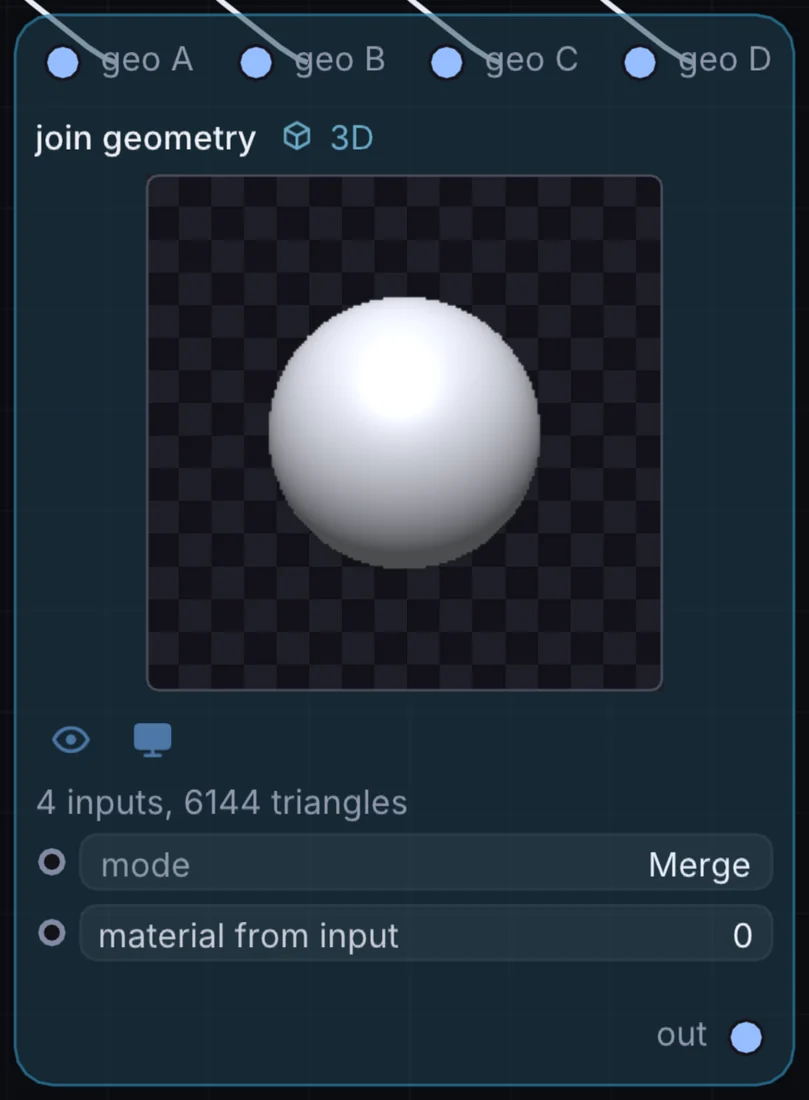
What it does
Join Geometry is a 3D node: it builds, changes or lights geometry that Render 3D turns into a picture. It takes 3D shape in and gives 3D shape out.
Try it
Feed two overlapping spheres in Difference mode to carve a hole through one with the other.
Cube + SphereJoin Geometry (Difference)Render 3D
Inputs and outputs
Inputs
- 3D shape geo A
- 3D shape geo B
- 3D shape geo C
- 3D shape geo D
Outputs
- 3D shape out
Controls
Every control with a range can be driven by a modulator, a note, an audio level or a sketch.
| Control | Range or options | Default |
|---|---|---|
| mode | Merge, Union, Intersect, Difference | 0 |
| material from input | 0 to 3 | 0 |
Example patch
This patch wires Join Geometry to what it needs and shows the result. Download it, then use File, Open in Infinite, or read it here: it is plain text.
infinite-patch 1
rev 2
# Join Geometry: a starting patch for the Join Geometry node
node 1 3D Join Geometry
  id node
  pos 520 300
end
node 2 3D Cube
  id in0
  pos 0 220
end
node 3 3D Cube
  id in1
  pos 0 510
end
node 4 3D Cube
  id in2
  pos 0 800
end
node 5 3D Cube
  id in3
  pos 0 1090
end
node 6 3D Render 3D
  id view
  pos 1080 300
end
node 7 Utility Output
  id out
  pos 1640 300
end
geo node 0 in0
geo node 1 in1
geo node 2 in2
geo node 3 in3
geo view 0 node
cable out 0 view