
Shader node
Shade Mix
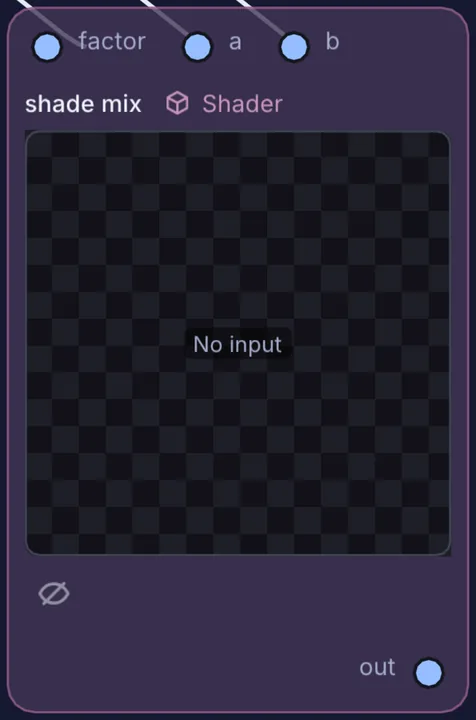
Blends A into B by Factor (0 to 1, default 0.5), as a float, a vector or a colour. The Colour type runs B through one of 30 blend modes first (Normal, Multiply, Screen, Overlay, Difference, Hue, Saturation and so on). Clamp Factor holds the factor to 0 to 1. Everyday use: mix two textures or colours like a layer blend mode, or crossfade two materials with a mask. Also called a blend or a layer blend.
What it does
Shade Mix is a shader node: it works out how a surface looks, from light, normals and textures. It takes picture in and gives picture out.
Try it
Feed a Shade Gradient into Factor to fade a rust texture over clean metal.
Shade GradientShade MixMaterial
Inputs and outputs
Inputs
- picture factor
- picture a
- picture b
Outputs
- picture out
Controls
Every control with a range can be driven by a modulator, a note, an audio level or a sketch.
| Control | Range or options | Default |
|---|---|---|
| type | Float, Vector, Colour | 2 |
| mode | Normal, Darken, Multiply, Color Burn, Linear Burn, Darker Color, Lighten, Screen … | 0 |
| factor | 0 to 1 | 0.5 |
| clamp factor | on or off | on |
| clamp result | on or off | off |