
Shader node
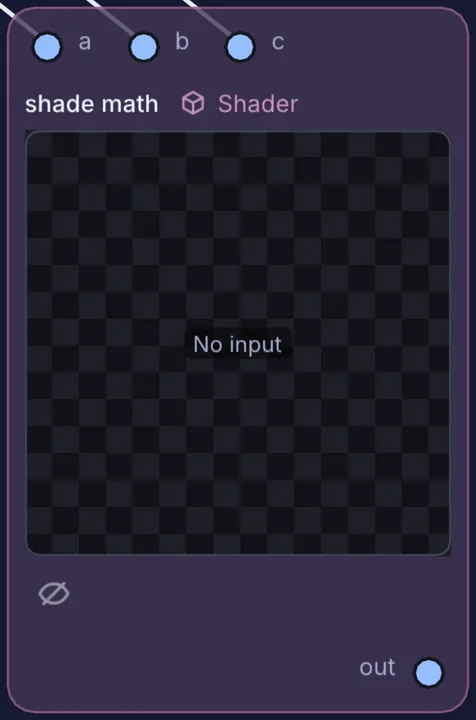
Shade Math
Scalar maths on A, B and C: add, subtract, multiply, divide, power, logarithm, roots, absolute value, min and max, comparisons, smooth min and max, rounding, modulo, wrap, snap, ping-pong, sine, cosine, tangent and their inverses, hyperbolic functions, and degree-to-radian conversion. Only the operands the operation reads are shown. A and B (-10 to 10, default 0.5), C (default 0). Clamp limits the result to 0 to 1. Everyday use: turn one number into another, like scaling a value or wrapping an angle. Also called a calculator.
What it does
Shade Math is a shader node: it works out how a surface looks, from light, normals and textures. It takes picture in and gives picture out.
Try it
Set Operation to Wrap and feed a ramp into A for a repeating stripe.
Shade CoordShade MathShade MixMaterial
Inputs and outputs
Inputs
- picture a
- picture b
- picture c
Outputs
- picture out
Controls
Every control with a range can be driven by a modulator, a note, an audio level or a sketch.
| Control | Range or options | Default |
|---|---|---|
| op | Add, Subtract, Multiply, Divide, Multiply Add, Power, Logarithm, Square Root … | 0 |
| a | -10 to 10 | 0.5 |
| b | -10 to 10 | 0.5 |
| clamp | on or off | off |