
Shader node
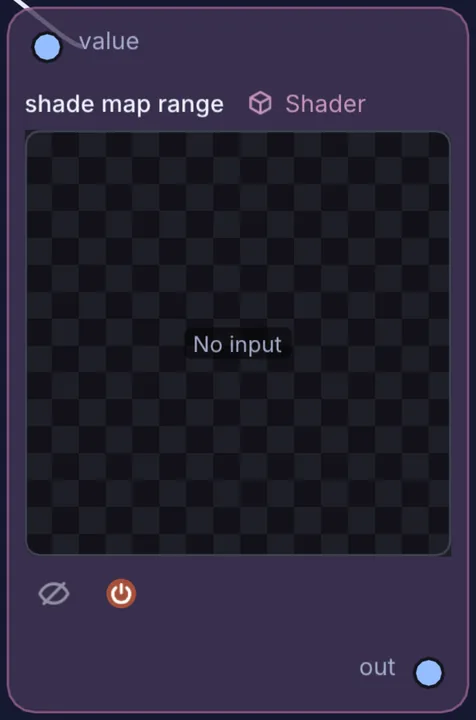
Shade Map Range
Remaps a value from the From Min to From Max range into the To Min to To Max range. Interpolation is Linear, Stepped (set by Steps, default 4), Smoothstep or Smootherstep. Clamp limits the output to the To range. Everyday use: rescale a number into a new range, such as a 0 to 1 signal into a 0 to 90 range. Also called a rescale or a remap.
What it does
Shade Map Range is a shader node: it works out how a surface looks, from light, normals and textures. It takes picture in and gives picture out.
Try it
Choose Stepped with 4 steps to turn a smooth gradient into four flat bands.
Shade CoordShade Map RangeShade RampMaterial
Inputs and outputs
Inputs
- picture value
Outputs
- picture out
Controls
Every control with a range can be driven by a modulator, a note, an audio level or a sketch.
| Control | Range or options | Default |
|---|---|---|
| interpolation | Linear, Stepped, Smoothstep, Smootherstep | 0 |
| value | -10 to 10 | 0.5 |
| fromMin | -10 to 10 | 0 |
| fromMax | -10 to 10 | 1 |
| toMin | -10 to 10 | 0 |
| toMax | -10 to 10 | 1 |
| clamp | on or off | on |