
Shader node
Shade Mapping
Moves, turns and scales a shading coordinate. Type sets what moves: Point shifts the coordinate, Texture shifts the pattern (the inverse), Vector skips the translation and Normal keeps unit length. X, Y and Z move it (-4 to 4), and Rotate X, Y and Z turn it in degrees (-180 to 180). With nothing patched in it uses Generated coordinates. Everyday use: slide, turn or tile a texture on a surface. Also called a texture transform or UV offset and rotate.
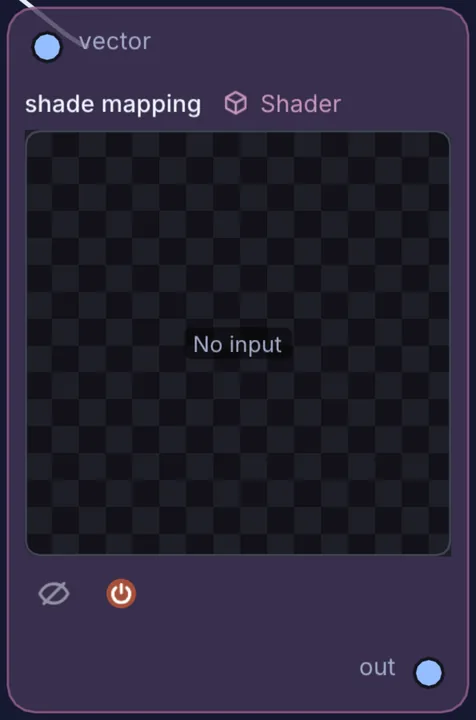
What it does
Shade Mapping is a shader node: it works out how a surface looks, from light, normals and textures. It takes picture in and gives picture out.
Try it
Set Type to Texture and rotate Z to 45 to turn a brick pattern on a wall.
Shade CoordShade MappingShade BrickMaterial
Inputs and outputs
Inputs
- picture vector
Outputs
- picture out
Controls
Every control with a range can be driven by a modulator, a note, an audio level or a sketch.
| Control | Range or options | Default |
|---|---|---|
| type | Point, Texture, Vector, Normal | 0 |
| x | -4 to 4 | 0 |
| y | -4 to 4 | 0 |
| z | -4 to 4 | 0 |
| x | -180 to 180 | 0 |
| y | -180 to 180 | 0 |
| z | -180 to 180 | 0 |
| x | 0.05 to 8 | 1 |
| y | 0.05 to 8 | 1 |
| z | 0.05 to 8 | 1 |