
Shader node
Shade Layer Weight
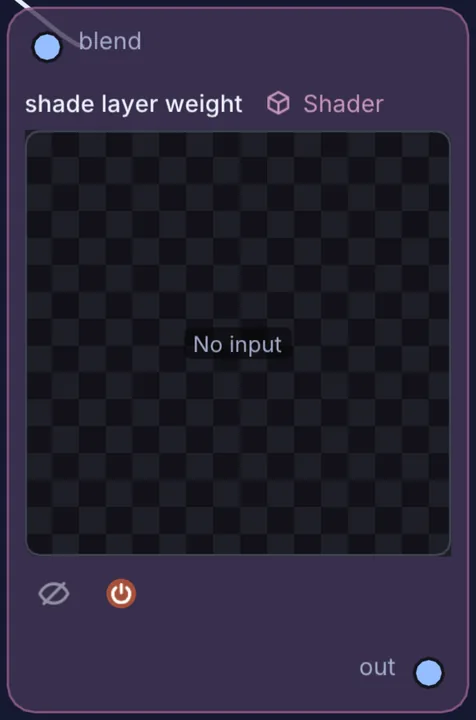
A blend weight by view angle. Output Fresnel gives the glassy-edge weighting and Facing gives 0 at the edges to 1 facing the camera. Blend (0 to 1, default 0.5) sets how much of the surface is weighted. Everyday use: a rim or edge highlight, like an edge-lit look on a product render. Also called a rim weight or facing ratio.
What it does
Shade Layer Weight is a shader node: it works out how a surface looks, from light, normals and textures. It takes picture in and gives picture out.
Try it
Use Facing to fade a second colour in at the silhouette of a sphere.
Shade Layer WeightShade MixMaterial
Inputs and outputs
Inputs
- picture blend
Outputs
- picture out
Controls
Every control with a range can be driven by a modulator, a note, an audio level or a sketch.
| Control | Range or options | Default |
|---|---|---|
| output | Fresnel, Facing | 0 |
| blend | 0 to 1 | 0.5 |