
3D node
Points to Vertices
Converts an incoming point cloud into a bare mesh made only of vertices — no edges, no faces — so cloud data can re- enter mesh-only operators like Merge by Distance.
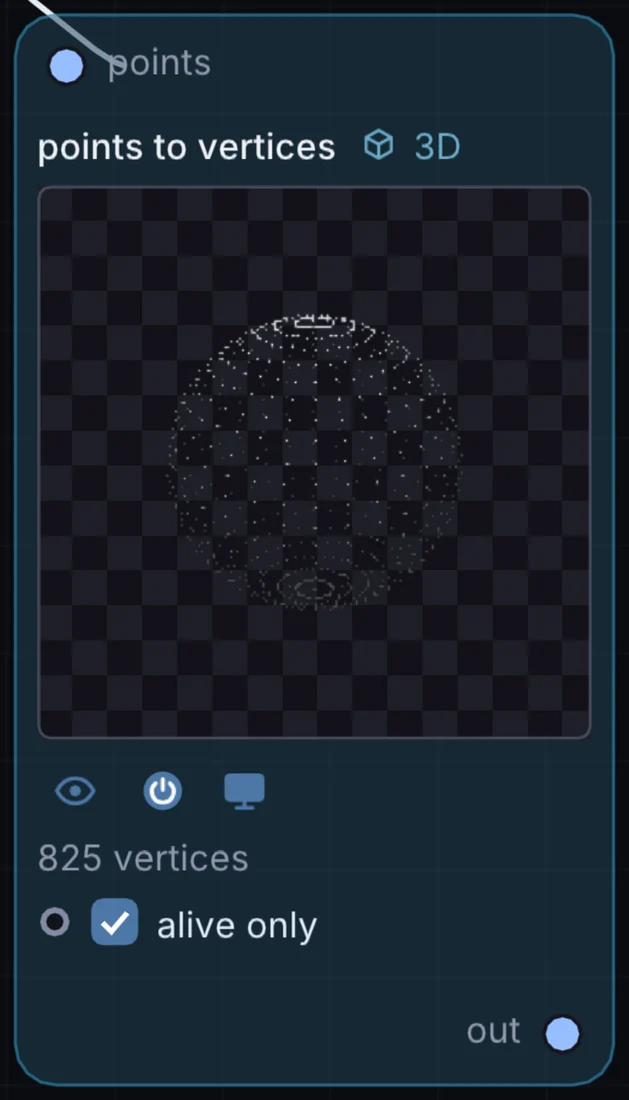
What it does
Points to Vertices is a 3D node: it builds, changes or lights geometry that Render 3D turns into a picture. It takes 3D shape in and gives 3D shape out.
Try it
Turn a Particle System's live cloud into vertices, then run it through Merge by Distance to weld nearby particles into clusters.
Particle SystemPoints to VerticesMerge by Distance
Inputs and outputs
Inputs
- 3D shape points
Outputs
- 3D shape out
Controls
Every control with a range can be driven by a modulator, a note, an audio level or a sketch.
| Control | Range or options | Default |
|---|---|---|
| alive only | on or off | on |
Example patch
This patch wires Points to Vertices to what it needs and shows the result. Download it, then use File, Open in Infinite, or read it here: it is plain text.
infinite-patch 1
rev 2
# Points to Vertices: a starting patch for the Points to Vertices node
node 1 3D Points to Vertices
  id node
  pos 520 300
end
node 2 3D Cube
  id in0
  pos 0 300
end
node 3 3D Render 3D
  id view
  pos 1080 300
end
node 4 Utility Output
  id out
  pos 1640 300
end
geo node 0 in0
geo view 0 node
cable out 0 view